Service Area Business vs Storefront: How Google Maps Treats Each
Expert reviewed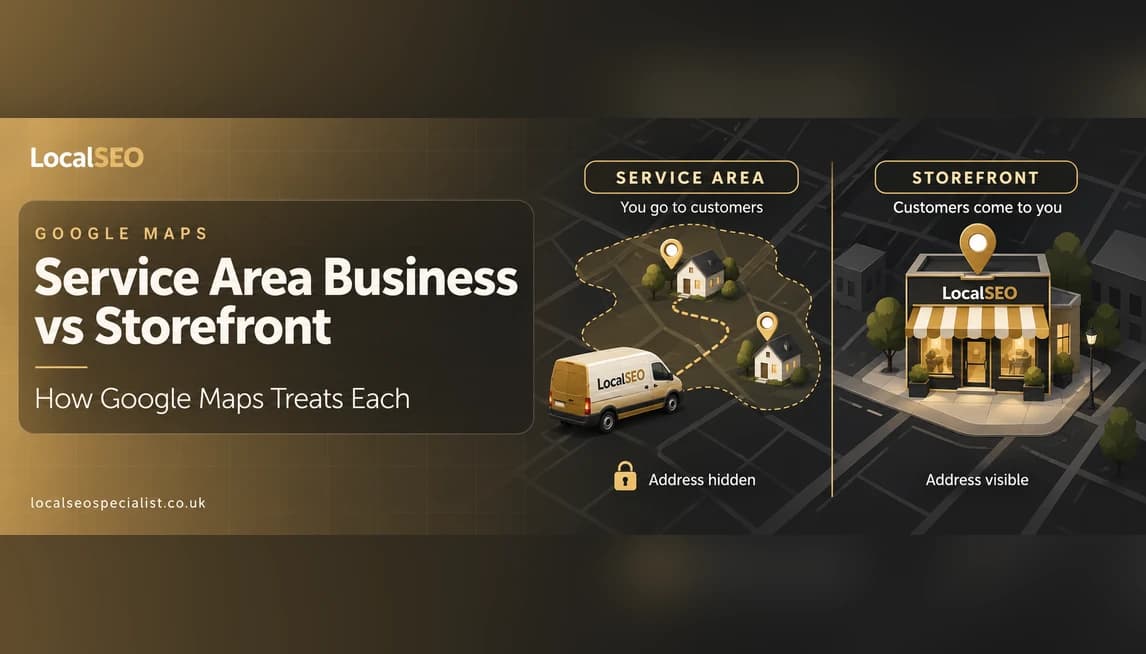
A plain English guide to how Google Maps treats a service area business versus a storefront, so UK owners pick the right setup and avoid a common address mistake.
A service area business hides its address and ranks for the towns it lists as service areas, while a storefront shows a fixed address and ranks strongest near that exact spot. In short, Google Maps treats the two models differently because it decides who to show partly by how close the searcher is. A shop wants people who are nearby. A mobile plumber wants people across a whole city, so the rules that help one can quietly hold back the other.
The setup lives inside your Google Business Profile. When you set it up as a storefront, your address appears on Google Maps and people can get directions to your door. When you set it up as a service area business, you hide the address and instead list the areas you cover, such as Leeds, Wakefield and Bradford. Same profile, two very different jobs.
This guide explains what each model is, how Google Business Profile handles the address, how the map pack ranking differs for each, how verification changes, and whether you can be both. We finish with worked UK examples and the mistakes we see most often, so you can choose the right model with confidence.
Key takeaways
- A storefront shows a public address and ranks strongest very close to that address, so proximity matters a lot.
- A service area business hides the address and lists the towns it serves, so relevance and prominence carry more weight than exact distance.
- You choose the model inside your Google Business Profile, and the wrong choice can leave you invisible where your customers actually are.
- You can be a hybrid if you serve customers at your premises and travel to them, but you keep one profile and one real address.
- Never fake an address to appear in a town you do not work from, because Google can suspend the profile and you lose your rankings.
On this page
How we compared the two setups
We did not just read Google's help pages. We based this on years of setting up and fixing both types of profile for UK trades and shops, from mobile mechanics in Manchester to dental practices in Bristol. We looked at how each model behaves across the three things Google uses to rank local results, then checked our view against how real profiles perform in the map pack.
- How Google Business Profile handles the address for each model, including the hidden address versus the displayed address.
- How service areas are set, and what they actually change about who sees you.
- How the three ranking drivers, proximity, relevance and prominence, pull differently for a shop and for a mobile business.
- How verification and ongoing risk differ, since service area profiles get suspended more often.
- Which real UK business types fit each model, from our own client work.
One honest caveat
No setup beats doing the basics well. The right model helps Google understand you, but reviews, correct categories and a complete profile still do the heavy lifting. Pick the model that matches how you actually serve customers, then work on everything else.
What is a service area business?
A service area business, often shortened to SAB, is a business that goes to the customer rather than the customer coming to it. You do the work at their home or premises, not yours. Think mobile plumbers, electricians, cleaners, mobile mechanics, locksmiths and wedding photographers. You might work from a home office or a small unit, but customers never visit you there.
Because customers do not come to you, Google lets you hide your address on the profile. Instead of a pin on your front door, you list the areas you cover. For a Glasgow electrician that might be Glasgow, Paisley and East Kilbride. Google then knows to consider showing you to people searching from those places, even though your address stays private.
This matters for two reasons. First, many trades run from home and do not want their home address on the internet. Second, a service area business is trying to be found across a wide patch, not just on one street, so a single fixed pin would actually work against it.
A service area business also tends to sell on trust and speed rather than footfall. Nobody walks past your unit and pops in. People find you when they search on their phone, often in a hurry, then judge you on your reviews, your response time and how clearly your profile says what you do. That is why the way you fill in your profile matters even more than it does for a shop. You are not relying on a window display, you are relying on what Google shows in the results.
What is a storefront business?
A storefront, or bricks and mortar business, is one that customers travel to. The address is the whole point. A cafe, a dental practice, a solicitor with an office, a barber, a garden centre or a restaurant all rely on people coming through the door. For these, Google shows the address publicly and gives people a directions button straight to it.
For a storefront, the displayed address is a strong, trusted signal. Google can see the business exists at a real, verifiable place, and it can match nearby searchers to that place. If you run a cafe in Birmingham, you mainly want people who are close by and ready to walk or drive over, so being tied to one exact spot is a help, not a limit.
The trade off is reach. A storefront tends to rank best in a tight circle around its address and fades as searchers get further away. That is fine for a coffee shop. It would be a problem for a business that serves a whole county.
A storefront also gets extra features that a hidden-address business does not. People can see your exact spot on the map, tap for directions, check how busy you are and drop by without ringing first. Those small things add up. When someone is choosing between two nearby places, the one they can picture and easily get to often wins. So for a shop, showing the address is not just allowed, it is part of what makes the profile work.
How Google Business Profile handles the address for each
This is the part that trips people up, so let us be clear. Every Google Business Profile needs a real address during setup, even a service area business. The difference is whether that address is shown to the public or hidden.
- Storefront: the address is displayed on Google Maps, with a pin and a directions button.
- Service area business: you enter your real address so Google can verify you, then you hide it, and you add service areas instead. The public sees the towns you cover, not your door.
- Both models: you can list up to twenty service areas, and Google suggests keeping them within a couple of hours' drive so they stay believable.
The hidden address still counts
Even when your address is hidden, Google still knows where you are based, and that location influences where you show up. Hiding the address does not move your business to the centre of every service area. It simply keeps it private while letting you signal a wider patch.
A lot of owners think switching to a service area business will suddenly rank them across every town on the list. It will not. If you are based in Leeds and add Wakefield and Bradford, you can still rank best around Leeds and weaker in the towns further out. Service areas tell Google which places you are willing to work in, they do not teleport your base. To genuinely rank well in a further town, you usually need real signals tied to that area, such as reviews that mention it, links from local sites and, on your website, useful location pages for each place you serve.
Service area business vs storefront at a glance
Here is the quick comparison. Use it to see, at a glance, how the two models differ across the things that matter most. If you only remember one row, make it the ranking driver, because that is where the two models really part ways and where most owners get their setup wrong.
| Factor | Service area business | Storefront |
|---|---|---|
| Address shown publicly | No, address is hidden | Yes, address and pin are shown |
| How you set the area | List up to 20 towns or postcodes you serve | Fixed to one address, no service areas needed |
| Best for | Businesses that travel to the customer | Businesses customers travel to |
| Main ranking driver | Relevance and prominence, plus your base location | Proximity to the searcher, plus relevance and prominence |
| Verification | Postcard, and often a video call showing tools, van and area | Postcard to the address, usually simpler |
| Example businesses | Plumbers, electricians, mobile mechanics, cleaners | Cafes, dental practices, solicitors, barbers |
How ranking differs: proximity, relevance and prominence
Google ranks local results on three things: proximity, which is how close you are to the searcher, relevance, which is how well you match what they typed, and prominence, which is how well known and trusted you are. Both models use all three, but the balance shifts.
For a storefront
Proximity does a lot of the work. If someone searches for a barber, Google leans hard on who is nearest. A brilliant shop two miles away can lose the map pack spot to an average one round the corner. That is why a storefront wins by being genuinely near its customers, then stacking up reviews and a complete profile to compete within that circle.
For a service area business
There is no public pin for searchers to be near, so Google cannot lean on proximity in the same way. Your base location still matters, and you tend to rank best nearer to where you actually are, but relevance and prominence carry more of the load. Strong categories, a clear description of what you do, plenty of good reviews and a solid link and citation profile are how a mobile business climbs the map pack across its patch.
Source: Local SEO Specialist estimate from UK client work
The numbers above are our rough estimate from what we see, not a Google figure. The point is simple. A shop lives and dies by being close. A mobile business has to win on relevance and reputation because it cannot rely on a pin near the searcher.
There is a practical lesson in this for each model. If you run a storefront and you are not in the map pack, ask first whether you are simply too far from where your customers search. You may not have a ranking problem at all, you may have a location problem, and the fix is stronger reviews and a fuller profile to win the close-range battles you can win. If you run a service area business and you are missing from a town on your list, do not expect proximity to save you. Build the relevance and prominence signals that tell Google you genuinely serve that place, because there is no nearby pin doing that job for you.
It also explains why two similar businesses can rank so differently. A cafe and a mobile caterer might both be based in the same street, yet the cafe cleans up locally on proximity while the caterer struggles unless it has the reviews and links to prove it works across the city. Same postcode, different rules, because Google is treating one as a place people go to and the other as a service that comes to them.
Verification differences you should expect
Both models need verifying, but service area businesses face more checks. A storefront usually verifies with a postcard to the address, and sometimes a quick video. Because the pin and shopfront are real and easy to confirm, it tends to be smoother.
A service area business, especially one run from home with the address hidden, is more likely to be asked for a video verification. Google may want to see your van with signage, your tools, your work in progress and proof you operate in the areas you claim. Have this ready. Suspensions and re-verification are far more common for hidden-address profiles, so keep evidence of your business on hand.
It helps to think of verification as an ongoing thing, not a one-off at setup. Google can ask you to re-verify months or years later, often after you edit the profile. For a shop this is rarely a drama, because the premises are still there to confirm. For a mobile business it can mean scrambling to film a video at short notice while your rankings sit on hold. The businesses that cope best are the ones that keep a short verification video, branded workwear, insurance documents and a few dated job photos ready to go. Boring, but it saves you when Google comes knocking.
Do not fake a location
The biggest reason service area profiles get suspended is a fake or rented address in a town the business does not really work from, sometimes called a virtual office trick. It can work for a while, then Google removes the listing and you lose your rankings and reviews. Use your real base, hide it, and list honest service areas instead.
Can you be both? The hybrid model
Yes. A hybrid business serves customers at its premises and also travels to them. A tyre garage that fits tyres at the workshop but also does mobile call-outs is a good example. So is a hair salon that also does home visits, or a vet with a clinic that makes farm calls.
For a hybrid, you keep the address visible, because customers do come to you, and you also add service areas for the places you travel to. You still have one Google Business Profile and one real address. Do not create a second profile to cover a nearby town, that breaks the rules and risks a suspension.
If you have several genuine premises, that is different. Each real location gets its own profile, and on your website each one should have its own page. Well built location pages help Google and customers understand where you operate, and they give each branch something to rank with.
One warning on hybrids. Do not switch to hidden-address just because you fancy a wider reach. If customers really do visit you, hiding the address usually costs you more than it gains, because you lose the directions button, the footfall and the trust that comes from a real, visible location. Only hide the address when it is genuinely true that people do not come to you. When in doubt, stay visible and add service areas on top.
Worked UK examples: which model fits which business
The quickest test is one question. Do customers come to you, or do you go to them? If they come to you, you are a storefront. If you go to them, you are a service area business. If both, you are a hybrid. Here is how that plays out for common UK businesses.
| Business | Model | Why |
|---|---|---|
| Mobile plumber, Leeds | Service area business | Works at customers' homes, runs from a home base, hides the address |
| Dental practice, Bristol | Storefront | Patients travel to the clinic, so the address is shown |
| Mobile mechanic, Manchester | Service area business | Fixes cars at the roadside or driveway, lists the towns covered |
| Independent cafe, Birmingham | Storefront | People walk in, proximity to nearby searchers is everything |
| Wedding photographer, Glasgow | Service area business | Travels to venues, no premises for clients to visit |
| Solicitor with an office, London | Storefront | Clients attend the office, address builds trust and directions |
| Tyre garage with call-outs | Hybrid | Customers visit the workshop and the van also travels out |
Common mistakes and how to avoid them
Most local visibility problems we fix come down to a handful of avoidable errors. Here are the ones we see most, for both models.
- Showing a home address when you should hide it. If customers never visit, set up as a service area business and keep your address private.
- Listing service areas you do not serve. Google can tell, and huge unrealistic areas dilute your relevance rather than widening your reach.
- Faking or renting an address in another town to appear there. This is the fastest route to a suspension.
- Creating multiple profiles for one business to cover more towns. One business, one profile, unless you have separate real premises.
- Choosing the wrong primary category. It is one of your strongest relevance signals, so pick the one that best describes your main service.
- Ignoring reviews. For both models, steady, genuine reviews lift prominence and help you rank across the map pack.
A couple more catch people out. Some owners set up as a service area business, hide the address, then stop there and never add any service areas at all, which leaves Google guessing where they work. Others pile on twenty areas across three counties in the hope of ranking everywhere, which just weakens the signal for the places that actually matter. Pick the handful of towns you genuinely serve and can reach quickly, and let your reviews and links do the widening over time.
If you are not sure which model fits, or your profile is not showing where it should, a quick review usually finds the cause. As a local SEO specialist team, we look at the setup, the categories, the service areas and the reviews together, because they all pull on the same rankings. Get the model right first, then the rest is a lot easier.
Service area business vs storefront: FAQs
Do I have to enter an address for a service area business?
Yes. Every Google Business Profile needs a real address to verify you, even a service area business. The difference is that you hide it from the public and list the towns you serve instead of showing a pin.
Will hiding my address hurt my rankings?
No, not if you are a genuine service area business. Hiding the address is the correct setup when customers do not visit you. Google still uses your base location, so you tend to rank best nearer to where you actually work, then relevance and reviews do the rest.
How many service areas can I add?
Up to twenty. Keep them realistic, ideally within a couple of hours' drive of your base. Listing areas you do not really serve waters down your relevance and can make Google trust the profile less.
Can a shop also add service areas?
Yes, if it genuinely travels to customers too. That makes it a hybrid. You keep the address visible because people visit, and you add service areas for the places you go out to, all on one profile with one real address.
Why do service area businesses get suspended more often?
Because the hidden address invites checks. Google worries about fake locations, so it asks for video verification more often and suspends profiles that use rented or false addresses. Use your real base, hide it, and keep evidence of your work ready.
I run from home and serve a whole city. Which model?
A service area business. Set up with your home address, hide it, and list the parts of the city you cover. That keeps your home private while letting you appear across the wider area rather than just your own street.

Nazir helps UK businesses get found in Google Maps, the local pack and AI search. He writes practical local SEO guides based on hands-on experience with real campaigns.
Editorial process: every guide is researched and written by a local SEO specialist, reviewed by Javed Iqbal, and checked for accuracy before it is published.
More guides
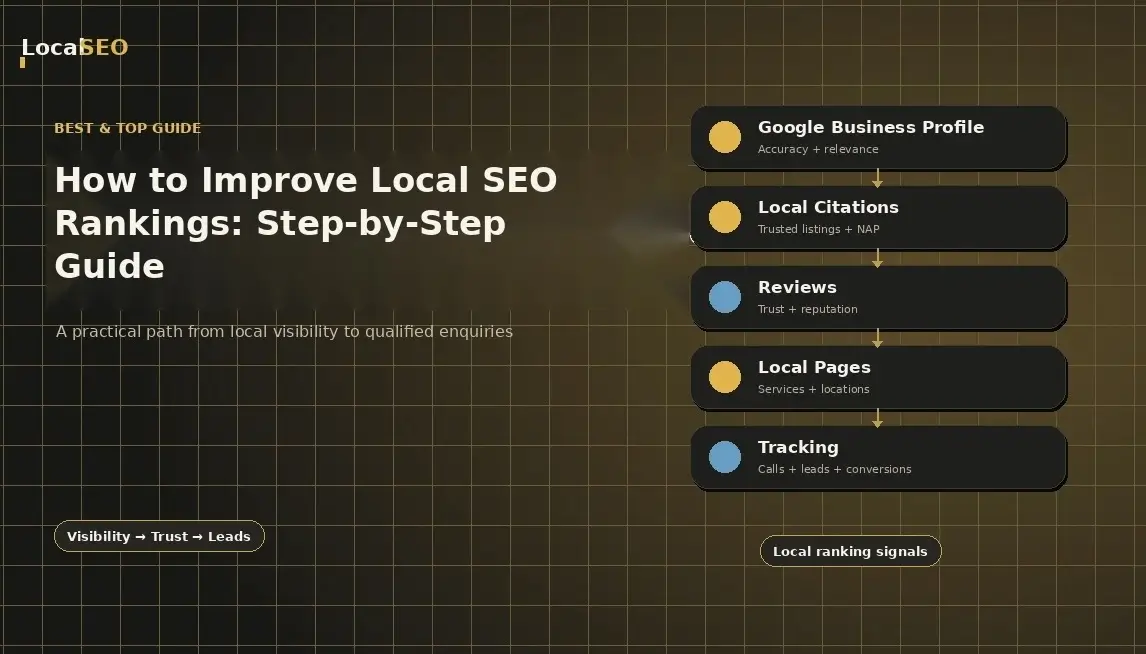
How to Improve Local SEO Rankings: Step-by-Step Guide
People in your area are already searching for the products and services you sell. The problem is that they may never find you.
Read the guide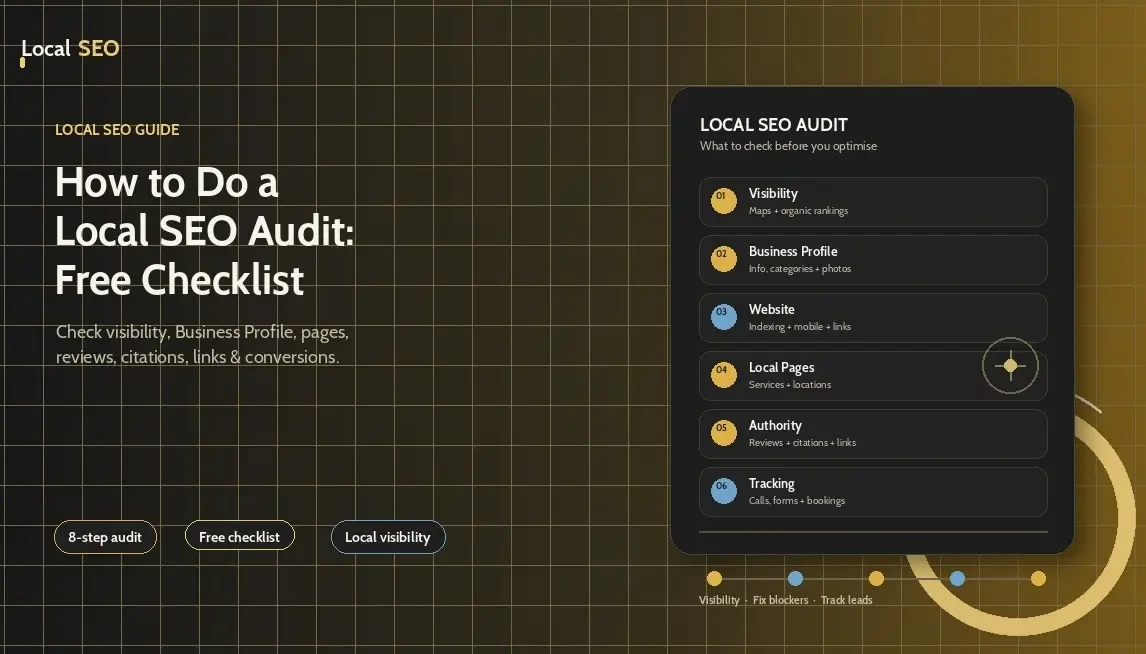
How to Do a Local SEO Audit: Free Checklist
A local SEO audit shows you what is helping a business appear in local search, what is holding it back, and what needs fixing first. It looks beyond rankings and checks the full path from a Google search to a call, booking, form submission, or store visit.
Read the guide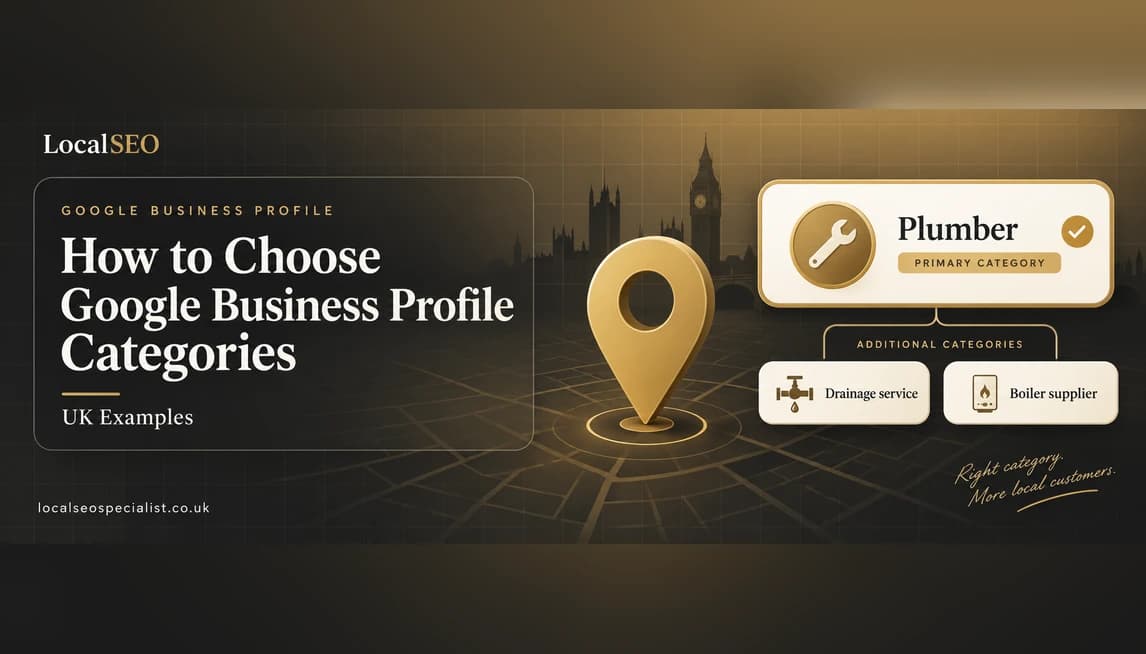
How to Choose Google Business Profile Categories (UK Examples)
A plain, senior guide to choosing the right primary and additional Google Business Profile categories, with UK trade examples and the mistakes to avoid.
Read the guideSee exactly where you're losing local customers
Get a free, no-obligation local SEO audit and a clear plan to climb the map pack.
- A clear picture of where you rank locally today
- The quickest wins to climb the map pack
- How you compare to nearby competitors
- No obligation, no hard sell
Prefer to talk? Call us directly.
+44 7423 614766