How to Choose Google Business Profile Categories (UK Examples)
Expert reviewed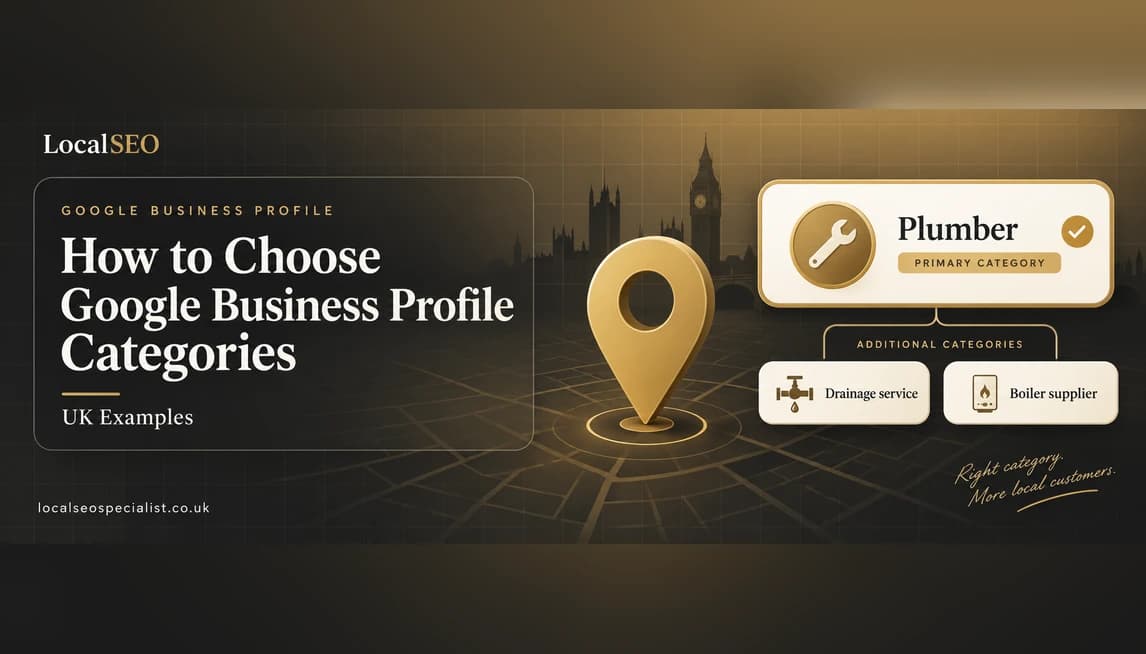
A plain, senior guide to choosing the right primary and additional Google Business Profile categories, with UK trade examples and the mistakes to avoid.
To choose your Google Business Profile categories, pick the single most accurate primary category that describes what your business mainly does, then add a small number of additional categories for the other services you genuinely offer. Your primary category carries the most weight in the map pack, so it should match your main money-making service and the words customers actually type. Get this one field right and you make it far easier for Google to show your business for the right local searches.
Most owners get this slightly wrong in one of two ways. They either pick a vague category that is too broad to help, or they stuff in every category they can find in the hope of catching more searches. Both hold you back. The category system rewards precision, not volume, and a tidy, accurate set of categories almost always beats a long, messy one.
This guide is written by our team at Local SEO Specialist. We set and fix categories for plumbers, dentists, electricians, restaurants and other local firms across London, Manchester, Birmingham, Leeds, Glasgow and Bristol. Below we explain exactly what a category is, how to choose the primary one, how many to add, how to research what competitors use, and the common mistakes that quietly cost you rankings.
Key takeaways
- Your primary category is the most important ranking field on your Google Business Profile, so choose it first and choose it carefully.
- Pick the most specific category that is still accurate, never the broadest one you can find.
- Additional categories cover your other real services, but do not add ones you do not actually offer.
- Categories mainly drive relevance in the map pack, while distance and prominence do the rest.
- Check the categories your top-ranking competitors use, then match the intent rather than just copying the label.
On this page
How we choose Google Business Profile categories for UK clients
When we set categories for a client, we do not guess. We start with the service that makes the most money, match it to the most precise category Google offers, then sense-check it against the businesses already ranking in the map pack for that search. The chart below shows roughly how much we think each part of your profile contributes to relevance, which is the part of local ranking that categories control. These are our estimates from managing UK profiles, not exact figures published by Google, but they reflect what we see move rankings.
Source: Local SEO Specialist estimate from managing UK profiles
The lesson from this is simple. The primary category does most of the work, so it deserves most of your attention. Everything else supports it.
What Is a Google Business Profile Category?
A Google Business Profile category is a label that tells Google what your business is. You choose it from a fixed list that Google controls, so you cannot invent your own. When you select "Plumber" or "Dentist", you are telling Google which searches you should appear for and which local competitors you sit alongside.
Think of it as the job title for your business. A searcher never sees your primary category printed as a headline, but Google uses it constantly to decide whether you are a good match for a search such as "emergency electrician near me".
Categories also unlock features. Some add a bookings link, a menu button or service attributes. A restaurant gets reservation and menu options that a solicitor never sees. So the category you pick shapes both your ranking and how your profile actually looks to a customer.
Categories come from Google's own list
You can only choose from categories Google already offers. If the exact word for your trade is missing, pick the closest accurate match. Google adds and removes categories over time, so it is worth rechecking the list every few months.
Primary Category vs Additional Categories
Every Google Business Profile has one primary category and room for additional (secondary) categories. The difference matters more than most owners realise.
The primary category is the main one. It carries the most weight when Google decides where you sit in the map pack. It should describe the single thing your business is best known for and earns most of its money from.
Additional categories are for your other genuine services. A plumber whose primary category is "Plumber" might add "Drainage service" and "Boiler supplier" because they really do that work. These help you show up for those extra searches, but each one pulls less weight than the primary.
A simple rule
If you could tell Google only one thing about your business, what would it be? That is your primary category. Everything else you truly offer can go in as an additional category.
The primary category does the heavy lifting
In our experience managing UK profiles, changing a vague primary category to a precise one is one of the fastest ways to move up the map pack. Additional categories help, but they never outrank a well-chosen primary.
How Categories Affect Map Pack Rankings
Google ranks local results on three things: relevance, distance and prominence. Categories mostly affect relevance, which is how well your business matches what someone searched for.
Relevance asks a simple question. Does this business do the thing the searcher wants? Your primary category is the clearest signal you can send. If someone searches "carpet cleaner Leeds" and your primary category is "Carpet cleaning service", you are an obvious match. If your primary category is the vaguer "Cleaning service", you are a weaker match and you may slip below competitors who chose better.
Distance, or proximity, is how close you are to the searcher or the place they named. Prominence is how well known and trusted you are, shaped by reviews, links and general reputation. You cannot change distance, and prominence takes time to build. Categories are the one relevance lever you can pull today, which is why we start there.
How Many Categories Can You Add?
Google lets you set one primary category and up to nine additional categories, so ten in total. That does not mean you should use all ten.
We usually recommend a primary category plus two to five additional categories that reflect real services. Adding categories you do not offer can confuse Google, dilute your relevance and, in some cases, breach Google's guidelines.
- Only add categories for services you genuinely provide.
- Keep the list tight and honest rather than long and hopeful.
- Remove categories that no longer apply to the business.
- Do not add a category just because a competitor has it.
More categories is not better
We have seen profiles with ten categories rank worse than a tidy profile with three accurate ones. Relevance is about precision, not volume, so add only what you truly do.
How to Choose Your Primary Category (Step by Step)
Here is the exact order we follow when choosing a primary category for a client. Work through it slowly, because this is the field that matters most.
- 1Write down the one service that brings in most of your revenue. This is almost always your primary category.
- 2In your Google Business Profile dashboard, start typing that service into the category field and note every close match that appears.
- 3Choose the most specific option that is still accurate. Prefer "Emergency plumber" over "Plumber" only if emergencies really are your main work, otherwise keep the broader accurate label.
- 4Check the words your customers actually use. If people search "boiler repair" but the closest category is "Heating contractor", pick that and cover the exact phrase in your services and description.
- 5Look at three or four businesses already ranking in the map pack for your main search and see which primary category they appear to use.
- 6Confirm the category unlocks the right features for your trade, such as bookings, a menu or service areas.
- 7Save it, then leave it alone unless your business genuinely changes. Constant swapping can unsettle your rankings.
Once the primary is set, run a lighter version of the same process for each additional category you plan to add.
How to Research the Categories Competitors Use
You cannot see a competitor's categories printed on Google, but you can work them out with a little detective work.
- Open the competitor's profile and read the buttons and features on show. A "Reserve a table" button points to a restaurant category, while a "Book online" button points to a service category.
- Use a reputable local SEO tool or browser extension that reads the category from the public profile data. Several show both the primary and additional categories.
- Look at the related businesses and "People also search for" section, because Google tends to group similar categories together.
The goal is not to copy blindly. It is to understand which category intent Google rewards for your main search, then match it with the most accurate category for your own business.
UK Category Examples by Trade
These examples show how we would usually set the primary category and a sensible set of additional categories for common UK trades. Treat them as starting points, not fixed rules.
| Trade | Best primary category | Sensible additional categories |
|---|---|---|
| Plumber | Plumber | Emergency plumber, Drainage service, Boiler supplier |
| Electrician | Electrician | Electrical installation service, EV charging equipment supplier, Security system installer |
| Dentist | Dentist | Dental clinic, Cosmetic dentist, Emergency dental service |
| Italian restaurant | Italian restaurant | Restaurant, Pizza restaurant, Wine bar |
| Solicitor | Solicitor | Legal services, Conveyancer, Family law attorney |
| Estate agent | Real estate agency | Letting agent, Property management company, Commercial real estate agency |
| Cafe | Cafe | Coffee shop, Breakfast restaurant, Sandwich shop |
| Roofer | Roofing contractor | Gutter cleaning service, Roofing supply store |
| Hairdresser | Hair salon | Beauty salon, Barber shop, Hairdresser |
| Builder | Construction company | General contractor, Home builder, Bathroom remodeler |
Notice how each primary category is the closest accurate match to the main service, while the additional categories only cover work the business genuinely does.
Categories vs the Services Section
Categories and services work together but do different jobs. A category is a broad label chosen from Google's list. A service is a specific job you list underneath it, usually in your own wording and with a short description.
For example, you might set the primary category "Electrician" and then list services such as "Fuse board replacement", "EV charger installation" and "Fault finding". Services let you cover the exact phrases customers type when the category list is too broad to capture them.
Categories influence rankings more directly, while services add detail, help with longer, more specific searches and make your profile more useful. Use both. Set accurate categories first, then flesh out the services to match.
Common Category Mistakes to Avoid
Most category problems we find fall into the same handful of mistakes. Any one of them can quietly hold back your map pack rankings.
- Choosing a vague primary category when a precise one exists.
- Keyword stuffing by adding unrelated categories to try to catch more searches.
- Copying a competitor's category that does not match your real business.
- Forgetting to review categories after adding a new service or dropping an old one.
- Picking a category that hides useful features, such as a service business choosing a storefront category with no service-area option.
Fixing these is usually quick, and the improvement in relevance often shows within a few weeks.
Can You Change Your Category, and How?
Yes. You can change your primary and additional categories at any time, either from your Google Business Profile dashboard or the Google Maps app.
- 1Sign in to your Google Business Profile.
- 2Open Edit profile, then the Business category or About section.
- 3Update the primary category, then add or remove additional categories.
- 4Save your changes. Most go live quickly, though some edits are reviewed first.
If you are unsure which category is holding you back, a proper local SEO audit will compare your categories against the businesses ranking above you and show where you are losing relevance. If you would rather not do this yourself, hiring a local SEO specialist to review and set your categories is a small job that often pays off quickly.
Google Business Profile categories: FAQs
What is the best primary category for my business?
The best primary category is the most specific one that still accurately describes your main service. Start with the service that earns you the most money, then pick the closest match from Google's list. If two options fit, choose the more precise one, as long as it is honest.
How many Google Business Profile categories should I use?
You can set one primary category and up to nine additional categories, but you rarely need all ten. In most cases a primary plus two to five accurate additional categories is plenty. Only add categories for services you genuinely offer.
Do additional categories help my rankings?
Yes, they help you appear for the extra services you provide, but they carry less weight than the primary category. Think of them as support for the main label. Adding ones you do not actually offer can hurt more than help.
Can changing my category drop my rankings?
It can, especially if you switch to a less accurate category or change it too often. A move from a vague category to a precise one usually helps, while constant swapping can unsettle your position in the map pack. Choose carefully, then leave it alone unless your business genuinely changes.
What if my exact category is not on Google's list?
Pick the closest accurate category Google offers, then cover the exact wording in your services and business description. Google controls the list and updates it over time, so it is worth checking again every few months. Never invent a category or misuse an unrelated one to force a match.
Do categories or keywords in my business name matter more?
Categories matter more and are the safer signal to rely on. Your business name should be your real name, not stuffed with keywords, because fake keywords in the name breach Google's guidelines and can get your profile suspended. Use accurate categories and services to tell Google what you do.

Nazir helps UK businesses get found in Google Maps, the local pack and AI search. He writes practical local SEO guides based on hands-on experience with real campaigns.
Editorial process: every guide is researched and written by a local SEO specialist, reviewed by Javed Iqbal, and checked for accuracy before it is published.
More guides
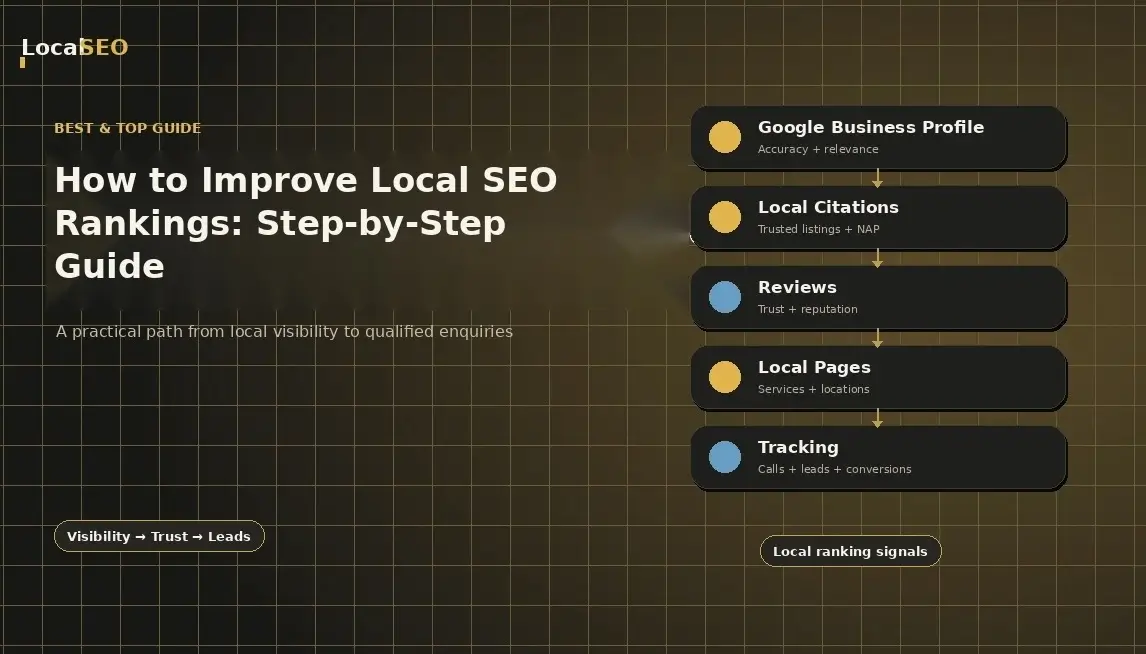
How to Improve Local SEO Rankings: Step-by-Step Guide
People in your area are already searching for the products and services you sell. The problem is that they may never find you.
Read the guide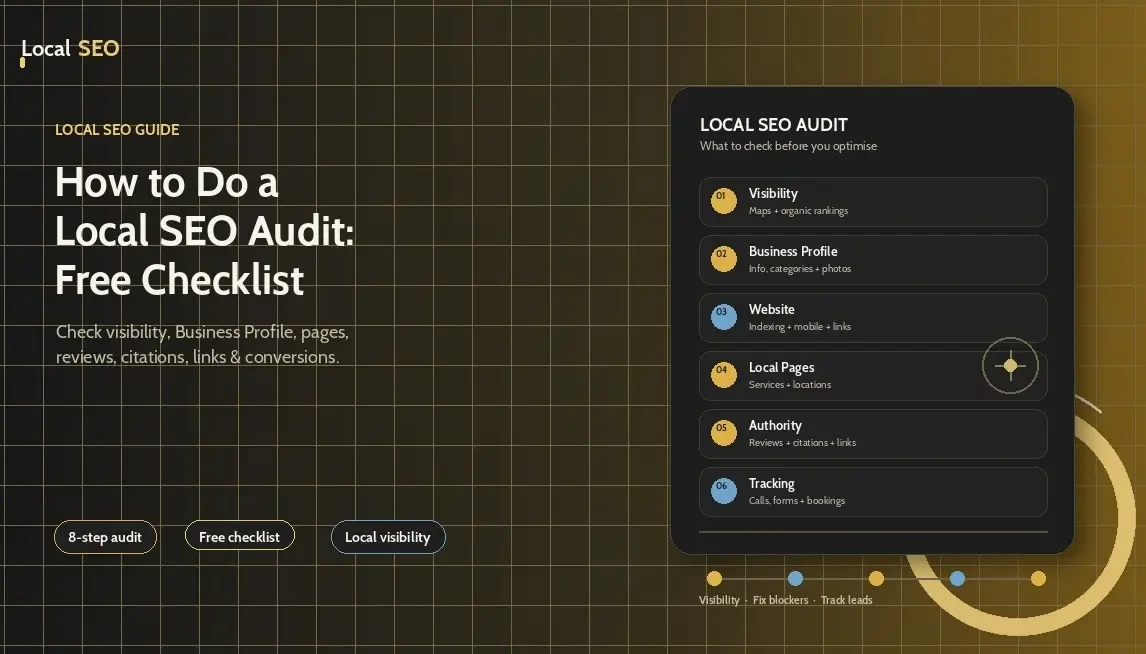
How to Do a Local SEO Audit: Free Checklist
A local SEO audit shows you what is helping a business appear in local search, what is holding it back, and what needs fixing first. It looks beyond rankings and checks the full path from a Google search to a call, booking, form submission, or store visit.
Read the guide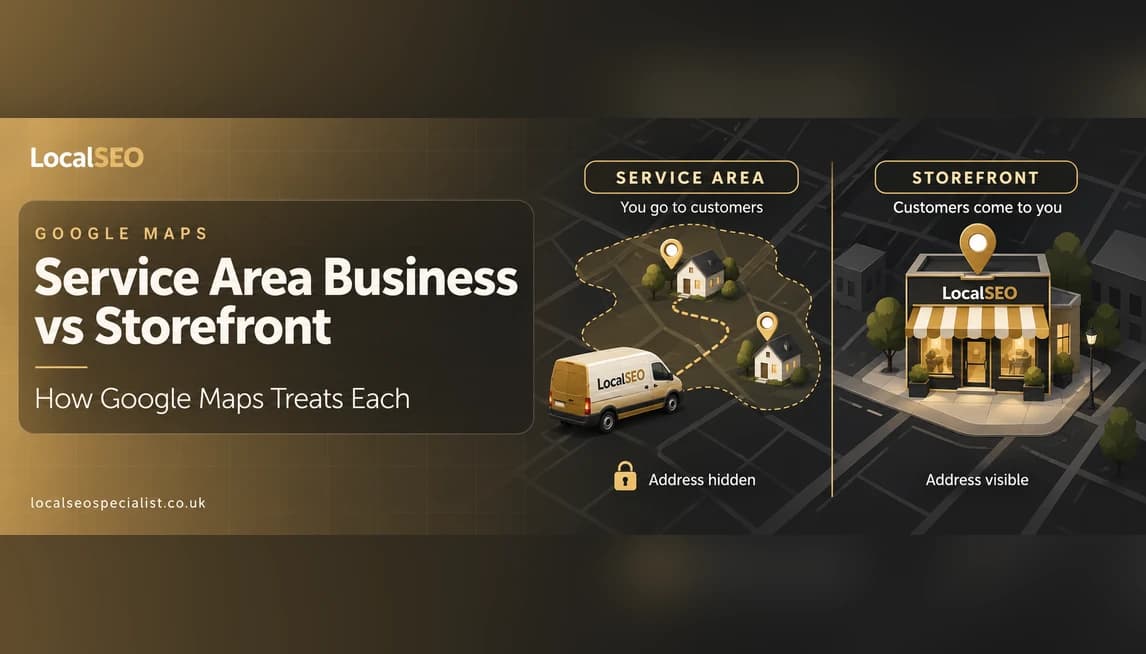
Service Area Business vs Storefront: How Google Maps Treats Each
A plain English guide to how Google Maps treats a service area business versus a storefront, so UK owners pick the right setup and avoid a common address mistake.
Read the guideSee exactly where you're losing local customers
Get a free, no-obligation local SEO audit and a clear plan to climb the map pack.
- A clear picture of where you rank locally today
- The quickest wins to climb the map pack
- How you compare to nearby competitors
- No obligation, no hard sell
Prefer to talk? Call us directly.
+44 7423 614766